Your conversation leaves the room.
- Your computercaptures audio
- Uploadsends the meeting away
- Cloud serversprocess and retain data
- Resultsreturn over the network
Record, transcribe, identify speakers, and turn your meetings into useful notes on your own computer.


Available by invitation. Tell us whether you use Mac or Windows.
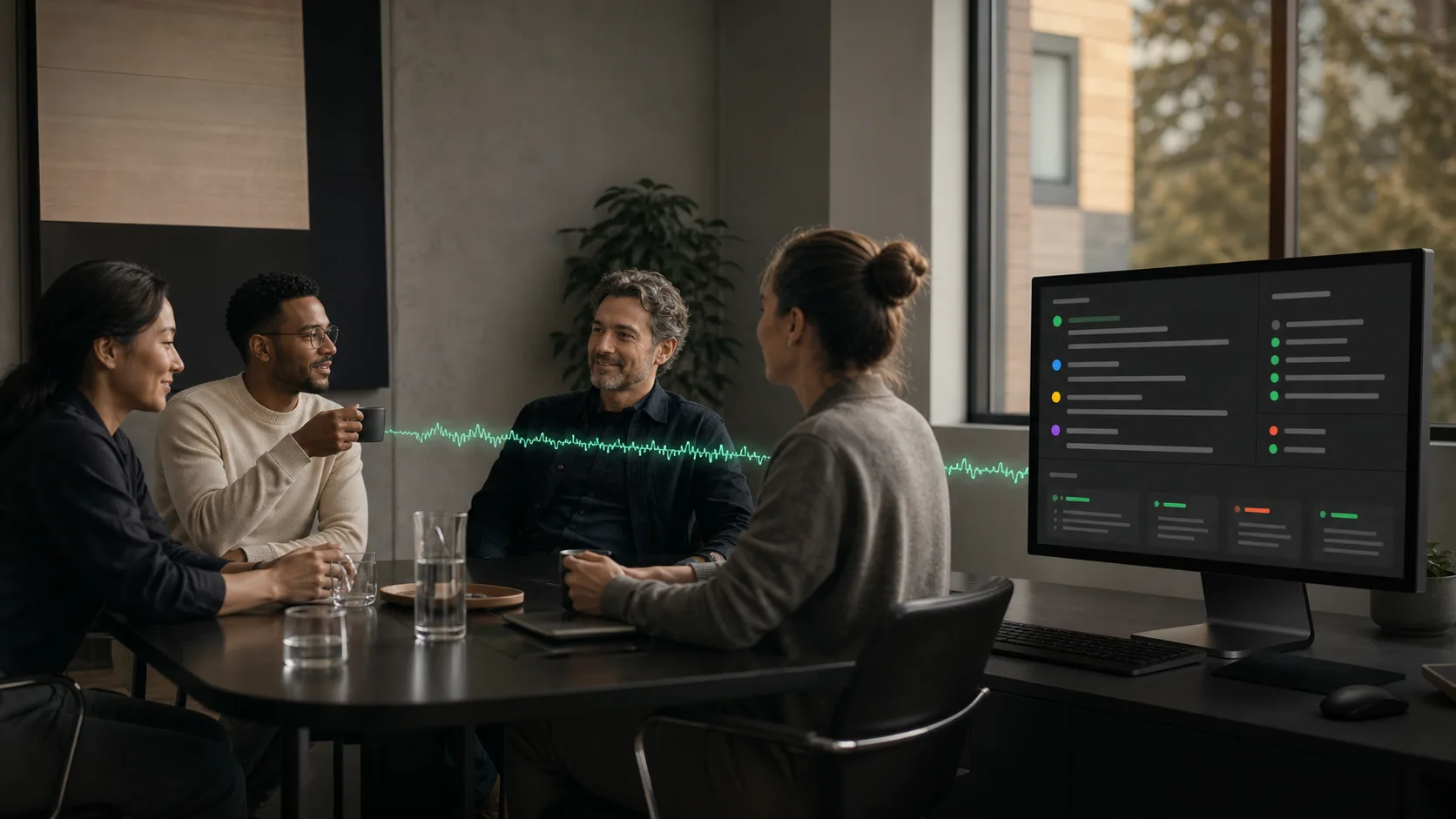
Meetings move fast. If you're taking perfect notes, you're probably missing part of the conversation. Hush keeps a speaker-attributed, timestamped record so you can catch up later, including the details that didn't seem important at the time.
 Hush
HushRepresentative demo · Select a tab or citation to explore.
Let's lock the launch date before we loop in engineering.
Agreed. I'll own the release notes and get them to you by Friday.
Good. The compliance review stays a hard gate.
Sounds right. I'll update the plan with those items.
Both produce notes. Only one sends the meeting away.
NO AUDIO UPLOAD · NO CLOUD PROCESSING · LOCAL ARCHIVE
One large model at a time. Each stage finishes and unloads before the next begins, keeping memory predictable even on back-to-back meetings.
On-device speech models turn system and mic audio into timestamped text.
Local speaker models separate and label the voices in the room and on the call.
Your local vocabulary rules clean names, acronyms, and recurring terms.
A local language model writes cited summaries, decisions, and action items.
Keyword and semantic indexes make every meeting privately searchable.
Plans rarely fit in a task title. The useful part is the why: the tradeoffs, caveats, corrections, owners, and decisions that shaped what happens next.
Maya · 12:24Let's lock the launch date before we loop in engineering.
Jordan · 12:31I'll own the release notes and get them to you by Friday.
Alex · 12:38The compliance review stays a hard gate.
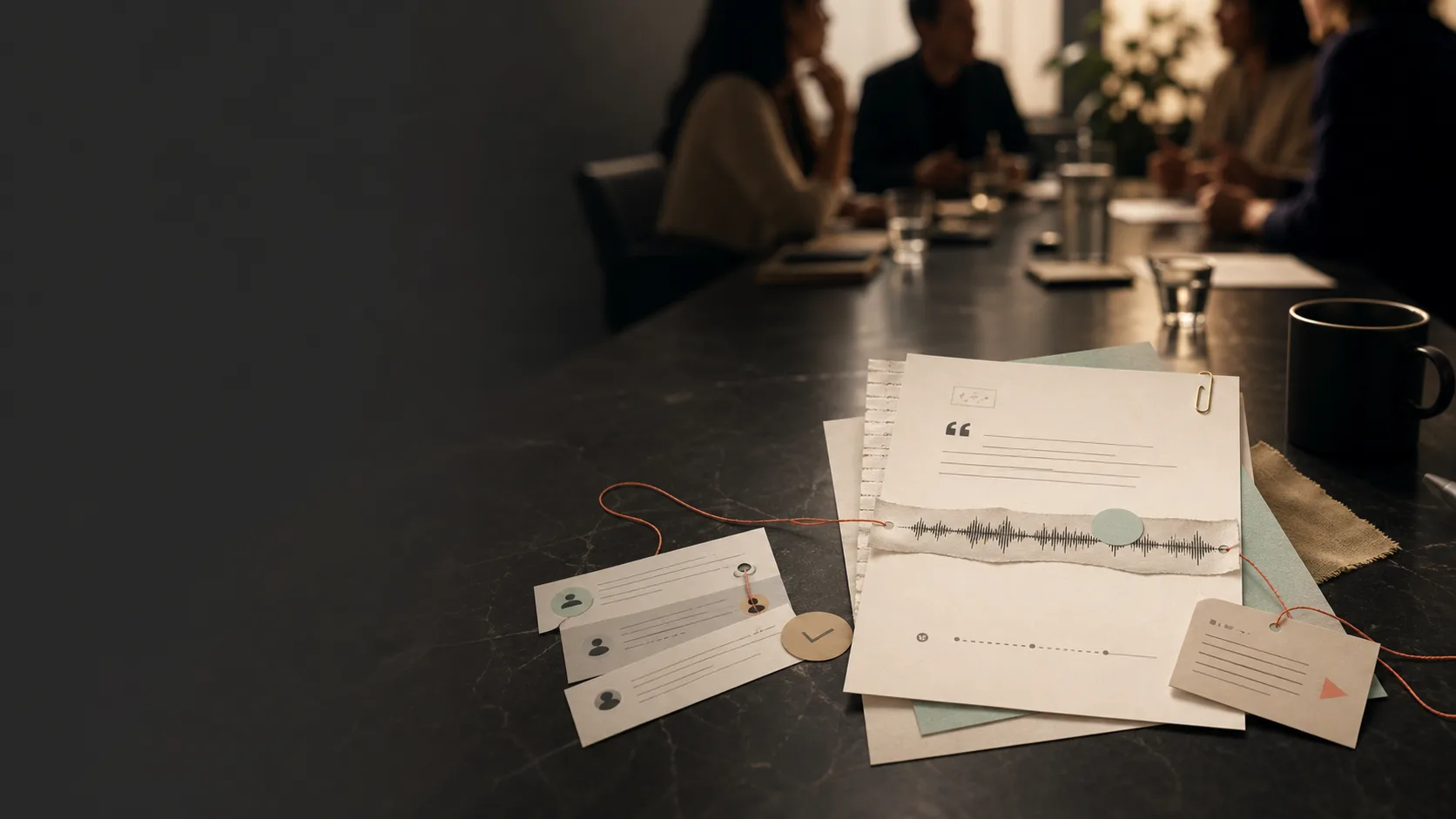
A design can look right on paper and still feel wrong. The reason usually lives in the discussion: a constraint, a concern someone almost dismissed, or the sentence that finally got everyone aligned. Hush keeps those details with the source. When you bring an AI assistant into the work, you can give it the discussion behind the task instead of a stripped-down ticket.
Meeting processing stays on your device by default. Model downloads and update checks need a connection. Optional Authorized AI is off until you configure it and approve what to share.
Search meeting titles, transcript text, speakers, summaries, and cited decisions without uploading an index of your work.
Local recording and processing run on your Mac or Windows PC. Optional Authorized AI is off by default and sends only the material you review and explicitly choose to share.
An Apple Silicon Mac (M1 or newer) running macOS 14 Sonoma or later, with 16 GB of memory recommended. Larger on-device models unlock automatically on machines with more RAM. The Windows beta needs a 64-bit Windows 11 PC, also with 16 GB of memory recommended.
Yes. Hush is available to invited testers in private beta on Windows 11. Like the Mac app, it records, transcribes, labels speakers, and writes meeting notes on the PC itself, and installed testers get updates from inside the app. The Windows beta is still catching up to the full Mac feature set. Request access below and mention that you use Windows.
Most notetakers send meeting audio to their servers. Hush keeps meeting processing on the computer in front of you.
Local meeting processing works offline once the required models are on disk. Model downloads, beta enrollment and updates need a connection; optional Authorized AI also needs access to its configured endpoint.
Only when your organization’s policies allow it. Hush keeps meeting processing local, but local processing alone does not make Hush certified or authorized for CUI, classified, CMMC, HIPAA, or any other regulated environment. The trust page at hushmeetings.com/trust has the data-flow overview, the software bill of materials, and our compliance posture for your security review. Open the trust page.
Hush is in private beta. Request access below and tell us a little about your team and how you would use it.
Hush is free during the private beta. Pricing for the full release has not been set.
Hush is built by dD Creative, an independent studio in Madison, Alabama.
Tell us about your team, whether you use Mac or Windows, and why local meeting processing matters for your work.
Your meetings. Your data. Hush.